Virtual atelier · Showroom & studio
Your photo,
reimagined.
Pick in the showroom, then try it on your photo. Tops, bottoms, socks, shoes and bags each have their own room. Take a top and a bottom into the Studio and one full-length front photo becomes the whole look. The face is restored from your original, and you're only charged when it works.
- 15Pieces in stock
- 5Showroom rooms
- 0Charged on failure
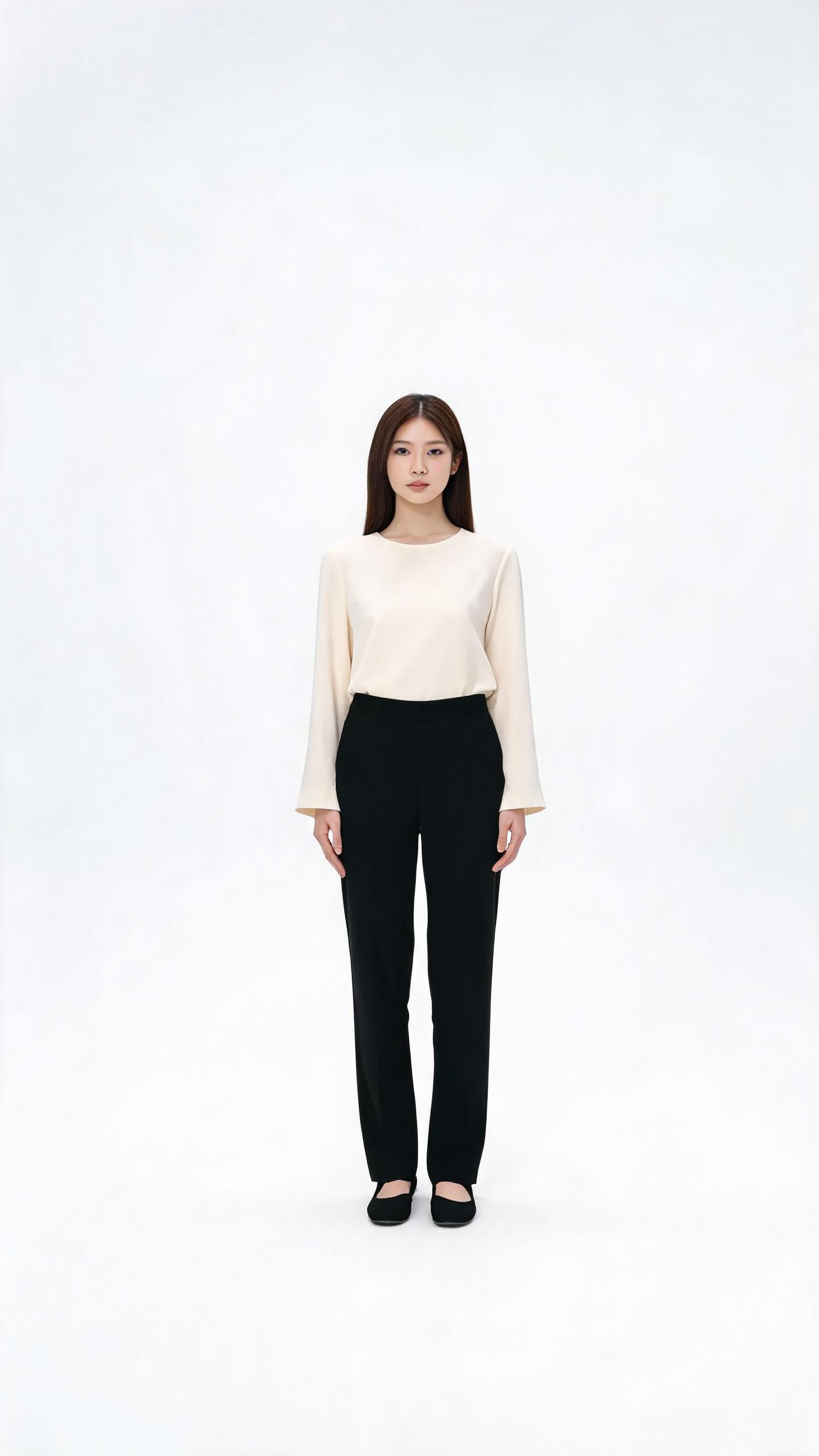
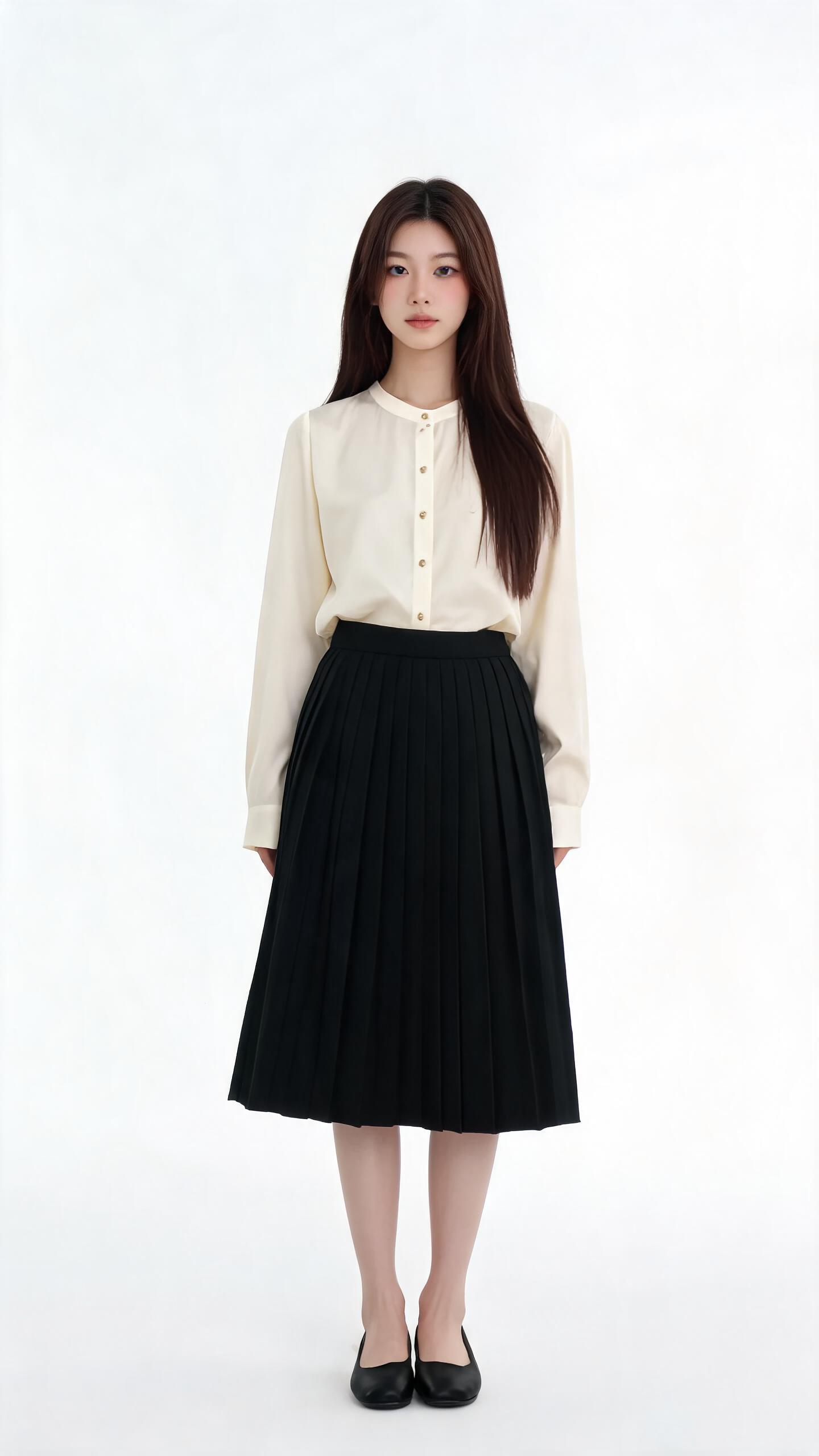
One full-length shot in · one complete look out
-
01
Browse the showroom, pick a top and a bottom
Five rooms — tops, bottoms, socks, shoes, bags — and 15 pieces with flat-lay photos and fabric notes. Send a top and a bottom to the Studio in one tap.
-
02
Upload one full-length front photo
The gate checks first: format, resolution, brightness and sharpness. If it's rejected you'll see exactly why — no credits used, no queue.
-
03
Generate, check, save
Queued → generating → quality check → done. The face is restored from your photo. Results carry an “AI generated” label and can be downloaded; a retry after a result you don't like costs nothing extra.
The studio · PRD v2
The studio.
One photo. Every look. Upload a full-length front photo, choose the pieces and a pose, and the server generates you wearing the look.
- Strict upload gate
- Async generation
- Pay on success
- 01Upload photo
- 02Choose a top
- 03Choose a bottom
- 04Adjust the pose
- 05Preview the look
Upload a photo
One person, front-facing, full length — head to ankle. This original becomes the base for generation.
Good exampleStanding front-on, head to ankle in frame, one person, plenty of light. Don't crop the feet or the arms.
What we needFront-facing · head to ankle · one person · well lit
Before uploadConsentConfirmed
The 18+ declaration and third-party AI consent were confirmed at sign-up, so there's nothing to tick again here. Photos are used for this generation only, a rejection costs nothing, and you can delete at any time.
DemoplaySample models · click to load
Page 1 / 1
About the try-on model
Powered by Alibaba Cloud Model Studio AI Try-On. It needs a front-facing, full-length, unobstructed photo of one person. Pose and background follow the original; accessories aren't supported yet.
Choose a top
One piece per category. Your pick is highlighted, and you can switch at any time.
Choose a bottom
One piece per category; it's submitted together with the top.
Adjust the pose
Optional: apply a preset or drag a joint. The current model still follows the pose in your photo.
Fine-tune joints9 groups · L/R separate
The eight presets are the standing poses you see most in womenswear studio shoots. Tap one to apply it, then drag a joint to refine. The nine joint groups are modelled as semantic channels (flexion, abduction, twist), each with a human range of motion, so the rig can't bend the wrong way. Dragging a wrist or ankle runs a damped Jacobian IK — the elbow and knee stay close to where they were, which is how poses like hand-on-hip or a bent, open knee come out in one drag. Dragging the chest or pelvis moves the whole body while both feet stay planted. Drag empty space to orbit, scroll to zoom, double-click to reset. The pose is submitted with the generation request, but the current try-on model still follows the pose in your photo.
Piece reference images come from the asset library; prompt assembly and model calls happen only on the server, and requests carry no prompt.
Finished looks are produced by the local proxy server/server.mjs, which calls the cloud AI try-on service and rebuilds the whole look from “one full-length front photo + flat-lay pieces”, with the face restored from the original by restore_face. Each generation uses one credit (new accounts start with 400 free images); photos are relayed by the server and cleared when the job ends.
The showroom · Issue 01
The showroom.
Every room, one wardrobe. Tops, bottoms, socks, shoes, bags and any new category each have their own room. Pick a piece and take it to the Studio with your photo.
- 5Categories
- 15Pieces in stock
- 3Complete looks
The showroom shows flat-lay photography. Tops and bottoms go straight into the Studio; socks, shoes, bags and other categories aren't available for photo try-on yet.
Styled by the atelier
Three complete looks
Showroom admin · Archive
The archive.
Upload once, style forever. Upload a flat-lay, file it under any category and price it in coins. Once published it appears in the showroom immediately, and tops and bottoms also enter the Studio.
Admin access
Sign in with the admin account
Only allowlisted Google accounts can manage the archive.
Upload a piece
Flat-lay, category and coin price — one piece per publish, visible immediately.
Categories
Rename, reorder or remove a category. A category that still holds pieces must be emptied or migrated first.
Activity
Every upload, edit, publish switch, category change and deletion, with the account that made it.
Lookbook · Local demo
Discover
Three official looks, three shots each. Likes and saves live in this browser only and aren't shared with anyone; “View the look” shows the pieces and the total.